How do I replace the batteries?
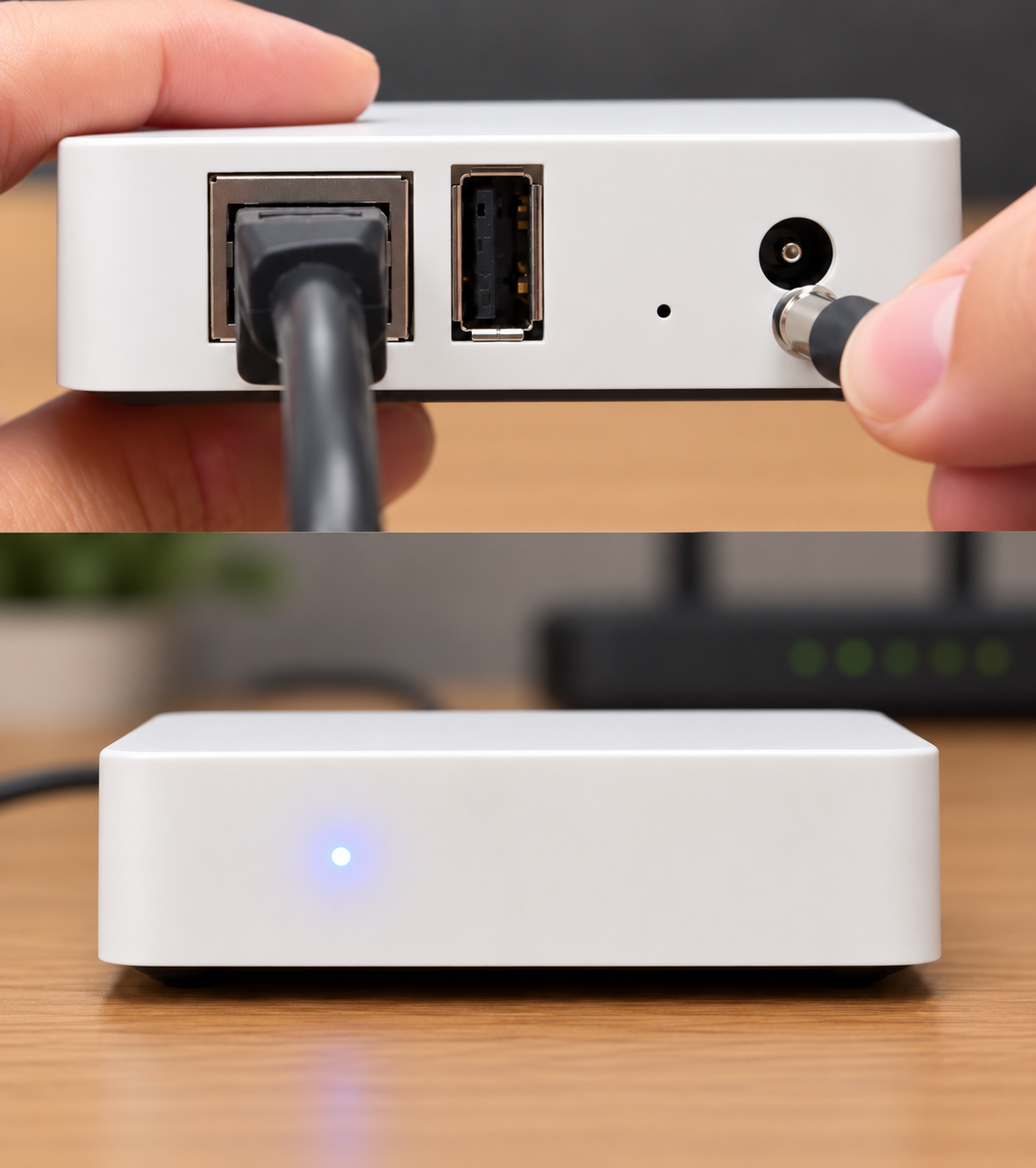
IMPORTANT: First check that your gateway is online.
If your gateway is offline, replacing the batteries in the indoor sensor or control box will not restore the connection. Get the gateway online before proceeding with a battery replacement.
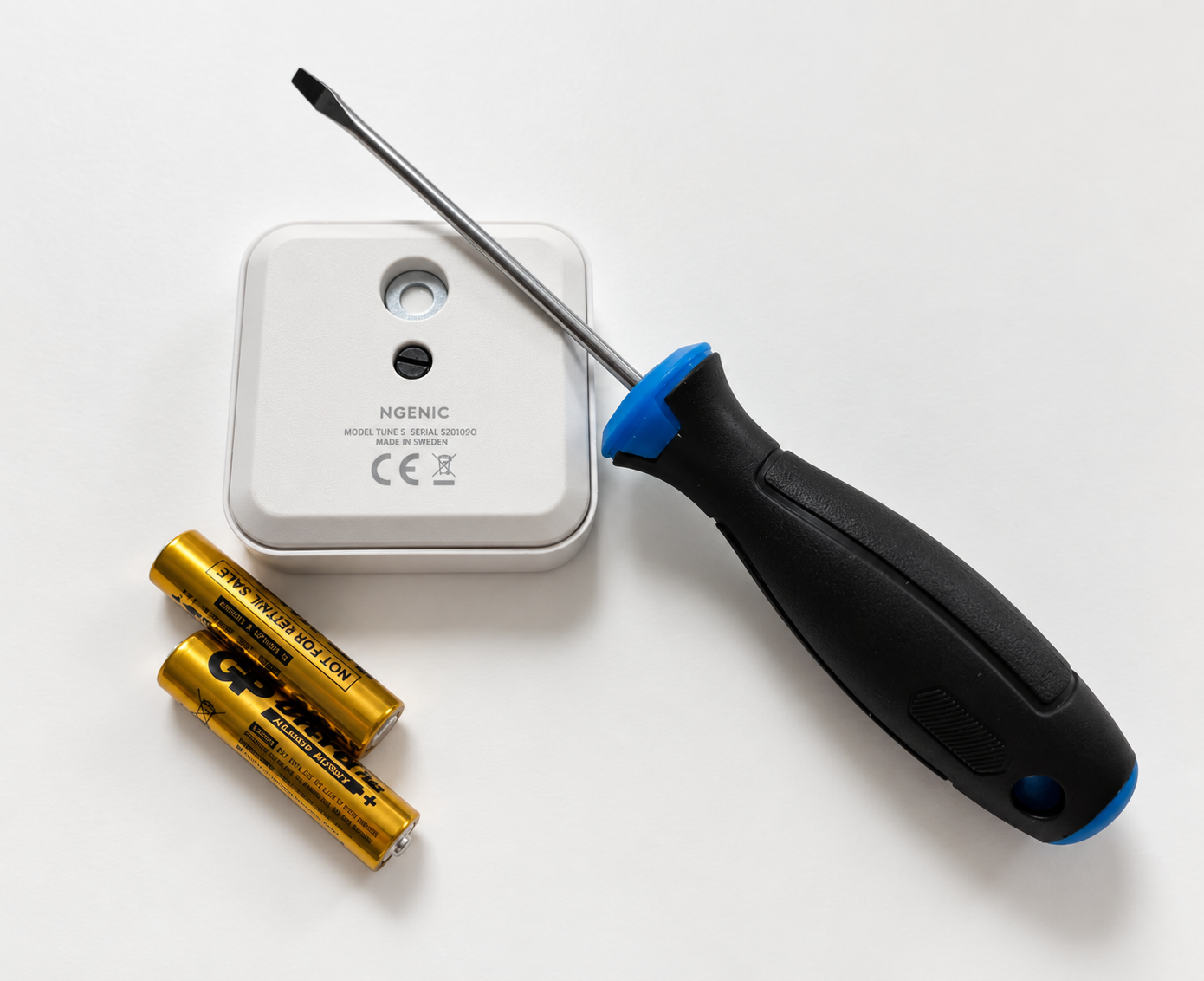
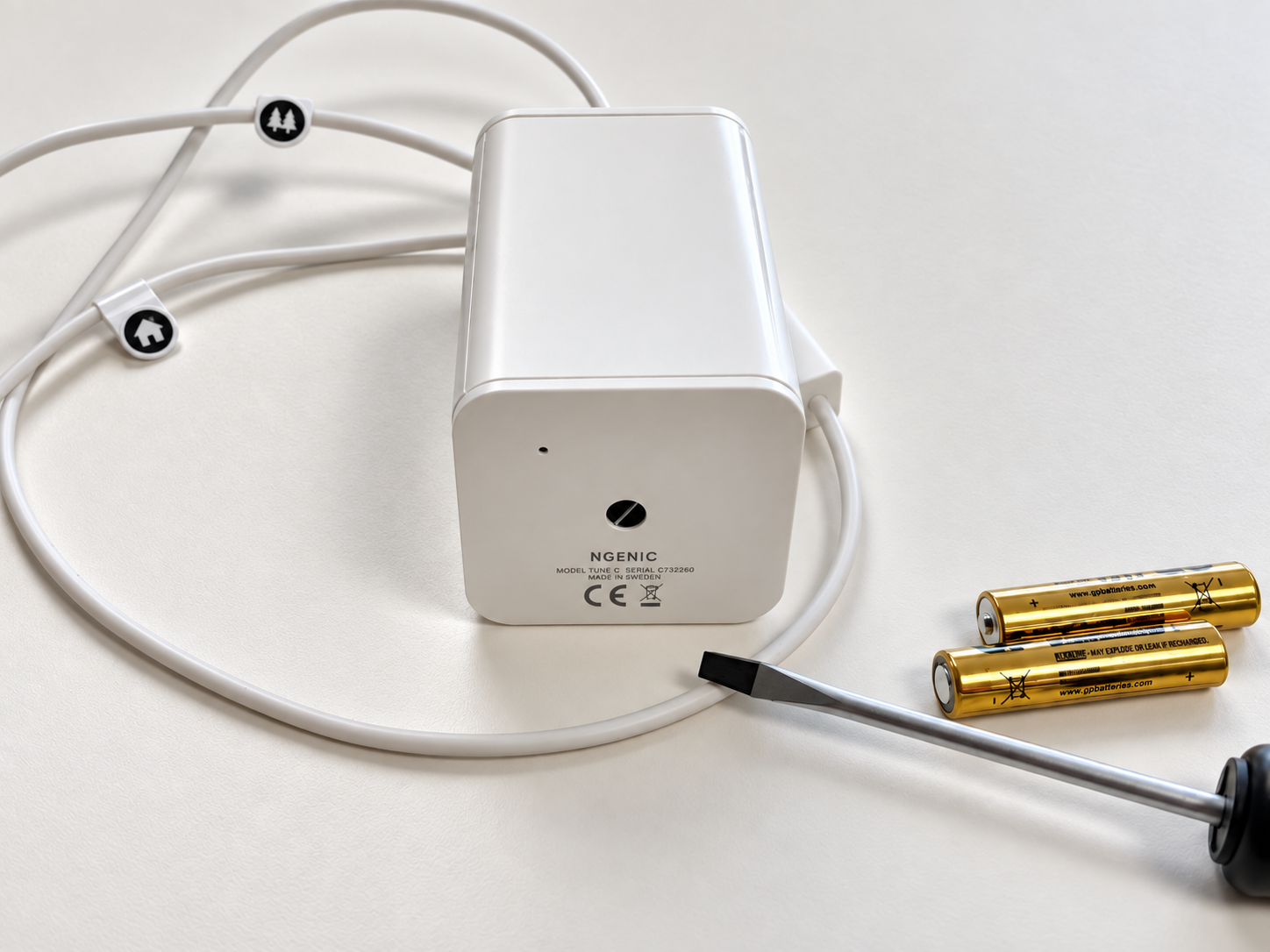
The indoor sensor and control box each need two new AAA batteries. You will also need a flat-head screwdriver.
Indoor sensor
Take the indoor sensor down, open the back cover with the screwdriver and replace the batteries. Follow the plus and minus markings. Refit the back cover and put the sensor back in place.
Control box
The control box is located near your heating system and also needs two AAA batteries. Leave the cable connected while replacing the batteries. You do not need to switch off the heating system.
Check the battery level in the app
Go to Settings → Ngenic Tune and select the indoor sensor or control box. The battery level is shown on the device page.

The screenshot is in Swedish: “Batteri” means “Battery” and “Signal” means “Signal”.
Before winter, consider replacing the batteries if the battery level is getting low. The app will remind you when it is time to replace them.
Gateway
The gateway connected to your router does not need batteries.